“Time for your medication.”
Plan the time of each dose. See whether they confirmed your reminder.
Medication remindersRemind someone you care for to take medication or do an everyday task. When they confirm it, the answer shows up in your app too.
You can add reminders for yourself as well.
Android is in development. Coming soon.
Your morning reminder.
The answer will appear here.
Confirmed with one tap
A reminder at the time you choose
Connected wherever you both are
App screens
The screens show example data
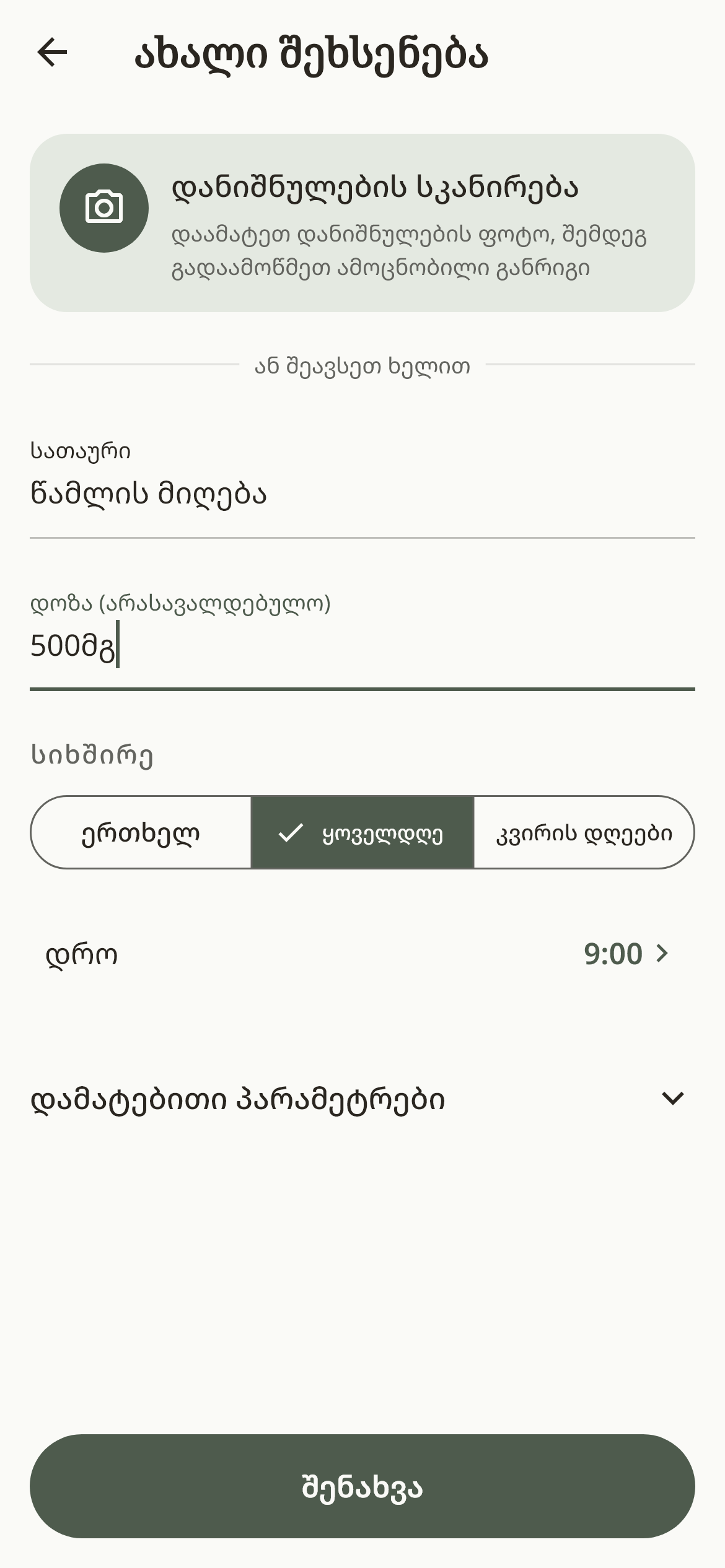
Say what to remind about, and when.
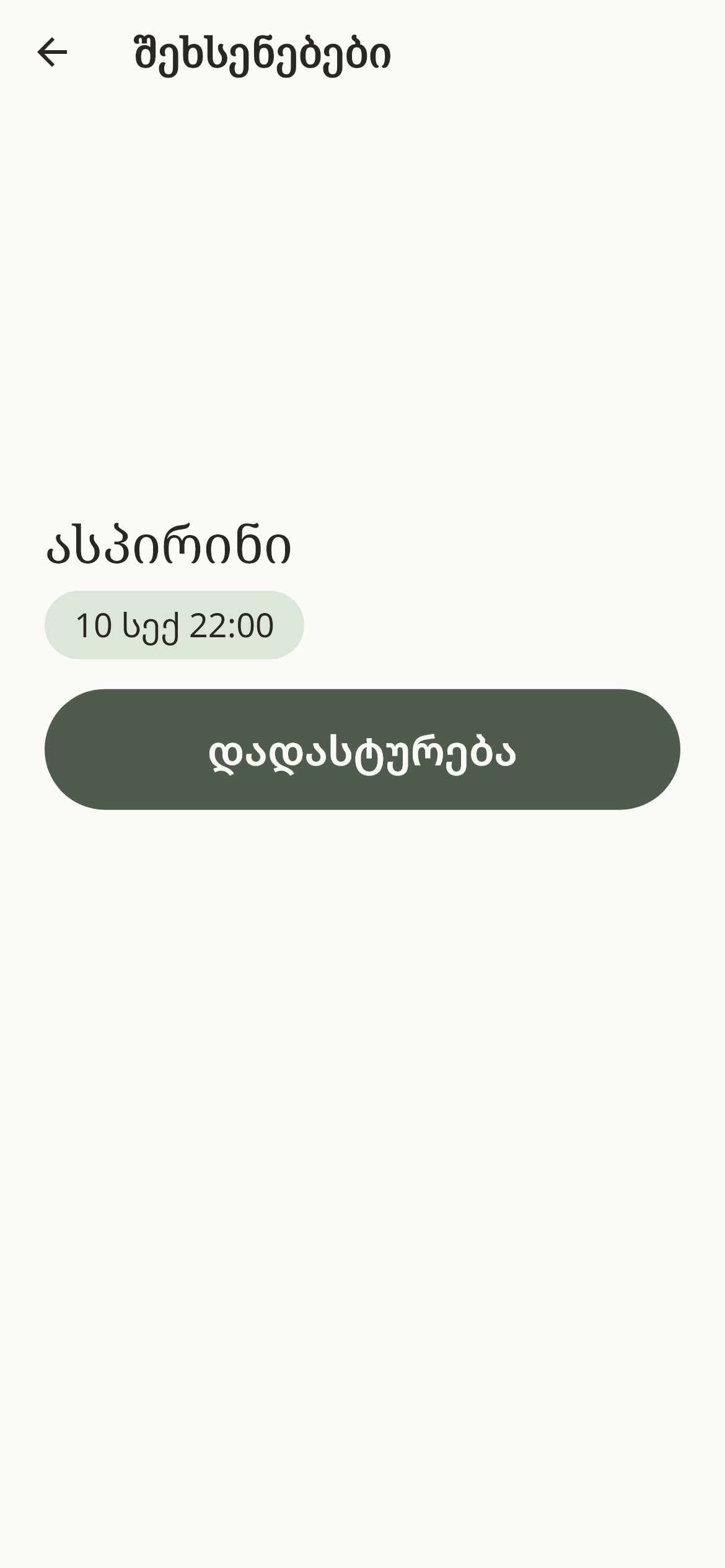
They answer you by pressing this one button.
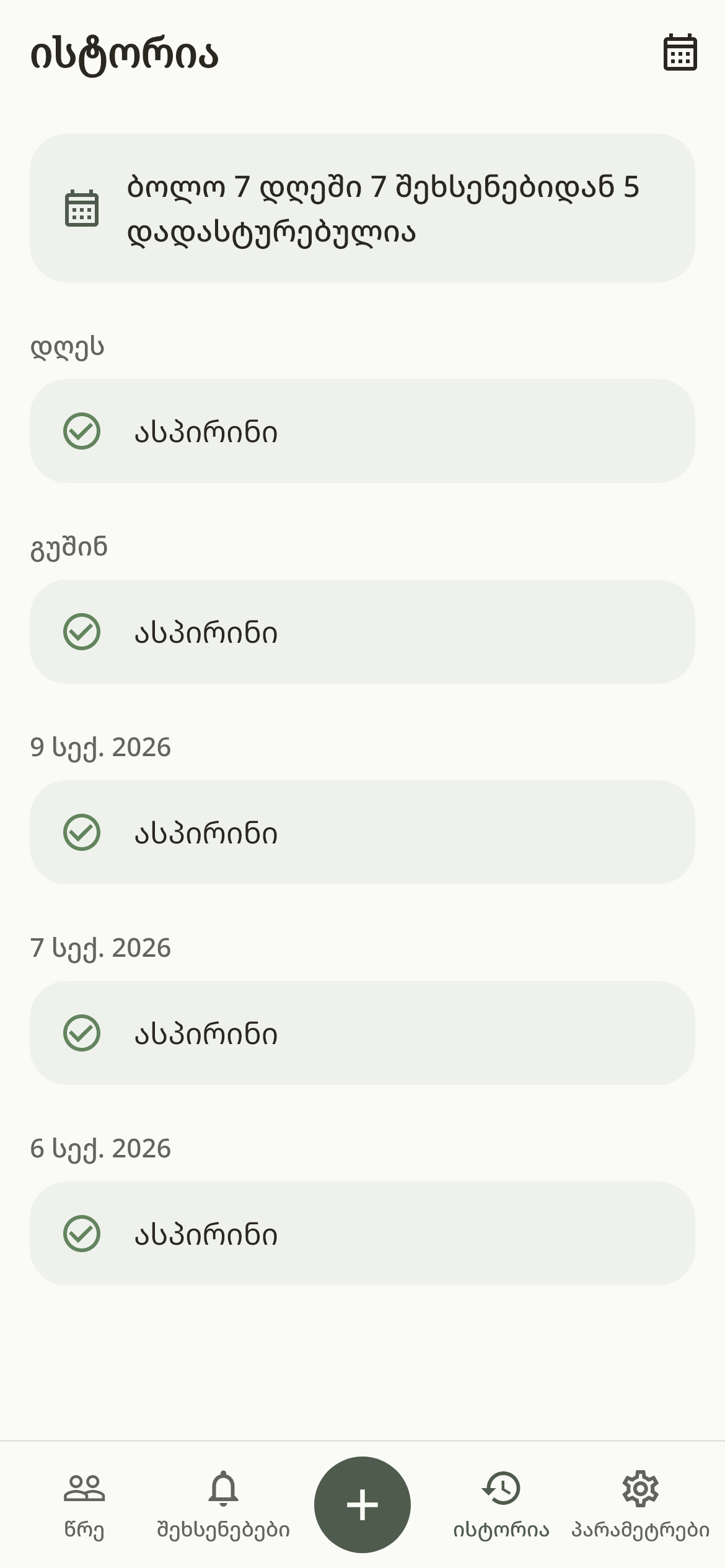
See which reminders were confirmed on the days before.
Tap an image to see the screen full size. Try the confirm demo too ↑
Medication, the front door
or checking what the house has run out of.
Plan the time of each dose. See whether they confirmed your reminder.
Medication remindersRemind them to lock the door or turn off the stove, and see the answer.
Everyday thingsAdd a reminder so you or they check what the kitchen is running low on.
Food and suppliesAdd someone, then a first reminder. If you use the app only for yourself, no invitation is needed.
 For you and
Send them an invite code or a QR code so they join your app.
Pick the time and how it repeats. Add a recording in your own voice if you like.
They answer with one tap. If no answer comes, WE tells you the reminder has not been confirmed yet.
If you live far from the person you care for, WE lets you set their reminders and see when they confirmed them. It helps just as much when you live close but keep missing each other during the day.
You can send a hug from the app too, with no reminder attached.
No. You can set reminders for yourself. Adding another person is optional.
It means the person pressed the confirm button. The app does not check the dose, the door or the stove by itself.
WE tells you the reminder has not been confirmed yet. From there you can reach out yourself. No answer does not, on its own, mean anything has happened.
A reminder already scheduled on the phone arrives without a connection, as long as the permissions are granted. You need one to receive their answer and to send notifications to each other.
WE is available on the App Store. The Android version is in development and coming soon.
Available now for iPhone.
Android is in development. Coming soon.